![Kara Connect - Logo A - RGB - White.png]](https://support.karaconnect.com/hs-fs/hubfs/Kara%20Connect%20-%20Logo%20A%20-%20RGB%20-%20White.png?height=40&name=Kara%20Connect%20-%20Logo%20A%20-%20RGB%20-%20White.png)
If your employer has enabled family support, then you will see the option to use it on your dashboard. Once it’s active, employees can invite family members: partners, children, or anyone close to them to join the hub.
Family members create their own Kara Connect account and can start booking 1-1 sessions by using the employee’s existing credits. They will also have access to the Content Hub, Webinars, and all the features available in the Wellbeing Hub.
And don’t worry: privacy is fully protected. Every account is separate. No one can see anyone else’s bookings or wellbeing scores.
When you log into your Wellbeing Hub, click on your dashboard and scroll down to the bottom. There you will see more information about the family support option.
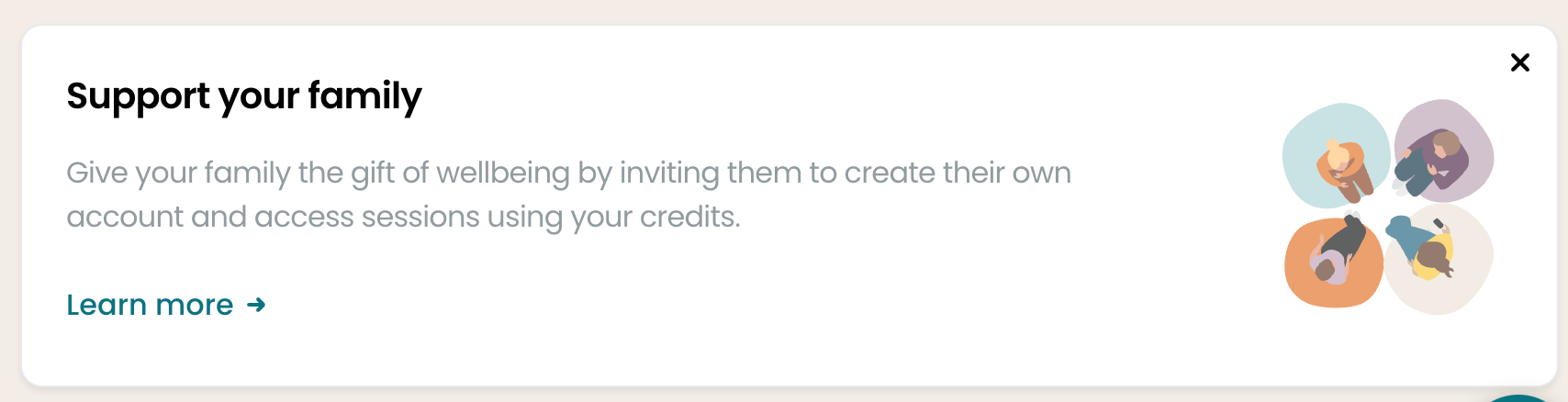
Once you click on the link to Learn more, you’ll be taken to an area where you can submit the email address of your family members, and they will receive instructions on how to set up their account and use the credits assigned to you.
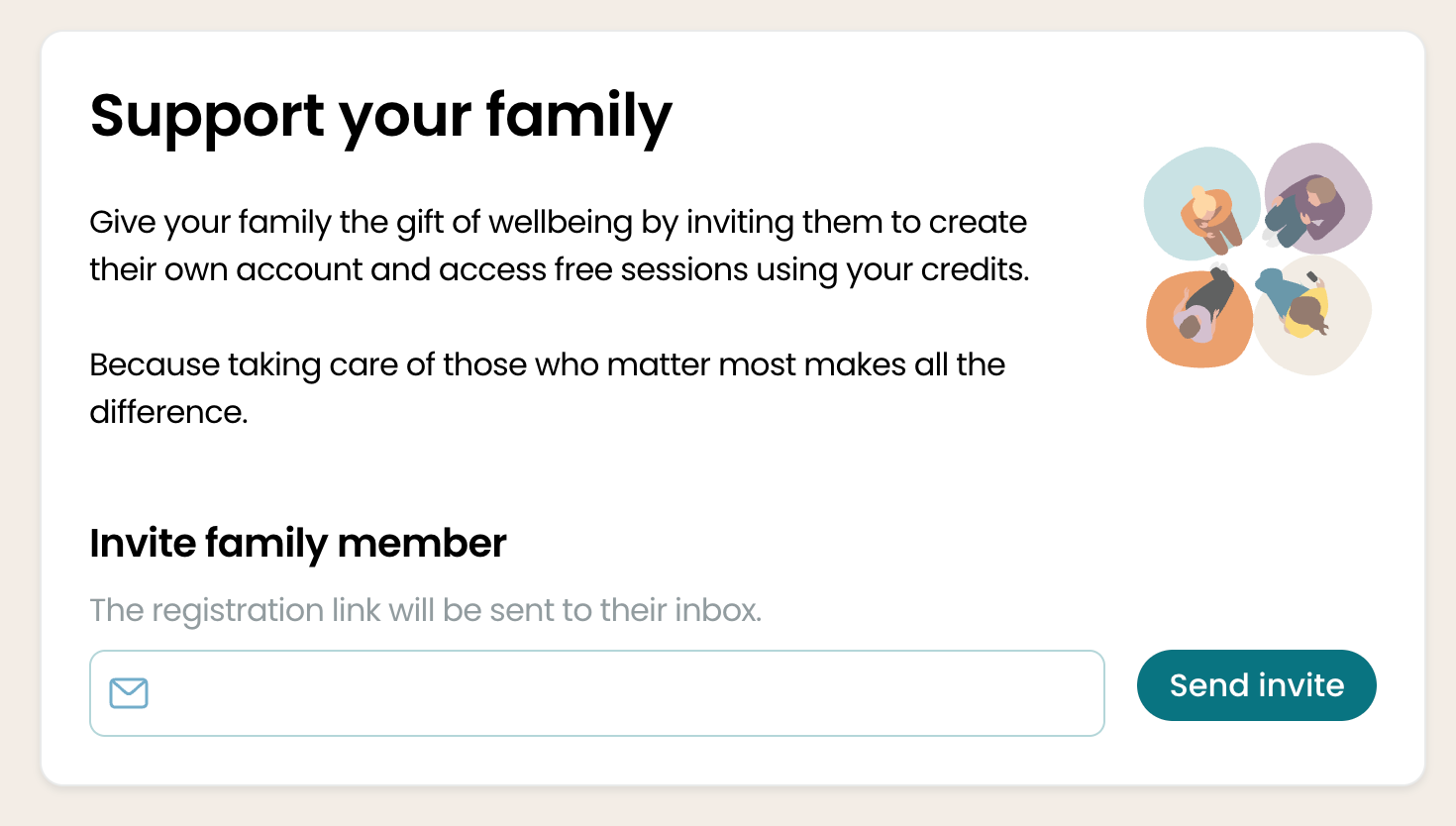
This video walks you through the process: