![Kara Connect - Logo A - RGB - White.png]](https://support.karaconnect.com/hs-fs/hubfs/Kara%20Connect%20-%20Logo%20A%20-%20RGB%20-%20White.png?height=40&name=Kara%20Connect%20-%20Logo%20A%20-%20RGB%20-%20White.png)
To make the most of your Professional Kara Connect account, we strongly recommend accessing it from a desktop or laptop computer using a web browser.
Why Use a Desktop Browser?
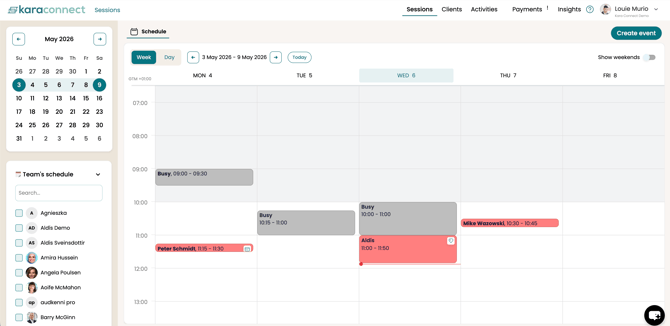
Your Professional Dashboard at pro.karaconnect.com is designed to give you full access to all features and tools available to you as a professional on Kara Connect. Accessing it via desktop ensures the best layout, performance, and overall experience.
What About Mobile Access?
We understand that many of you may be checking your schedule and sessions on the go through your mobile phone, and this visibility will soon be better on mobile - however, please note that you can only do sessions and run your professional account via your desktop browser.
How to Access Your Professional Kara Connect account
- Open your desktop or laptop browser (e.g., Chrome, Safari, Firefox, Edge).
- Go to pro.karaconnect.com.
- Log in with your credentials.